







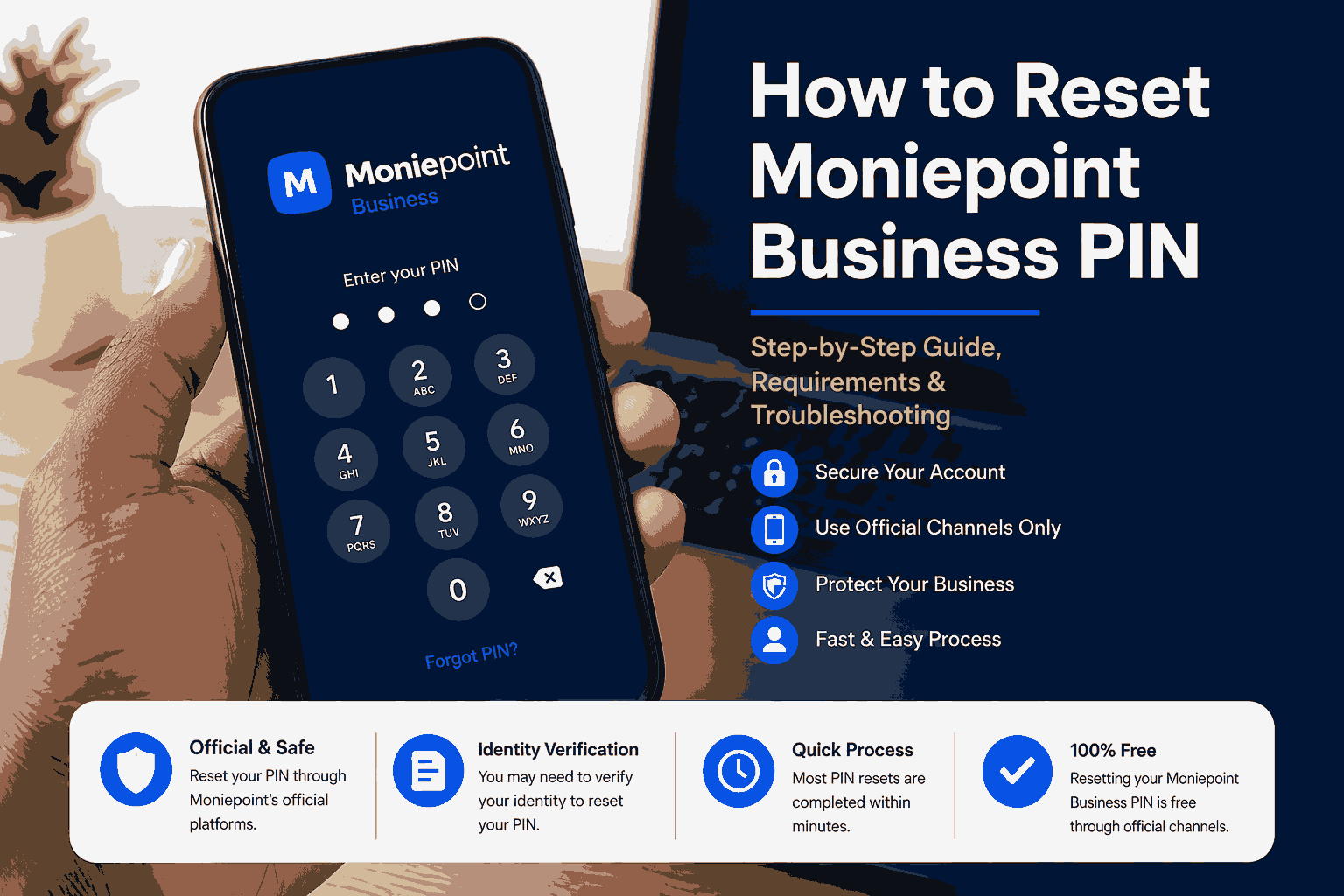
This guide goes beyond explaining how to reset a Moniepoint Business PIN. It covers when a PIN reset is necessary, the official recovery methods, security precautions, common mistakes, expected processing times, troubleshooting steps and practical advice for Nigerian business owners who rely on Moniepoint for daily transactions.
Current Price Summary
Unlike physical products, resetting a Moniepoint Business PIN does not have a retail price.
| Service | Estimated Cost |
|---|---|
| Reset Business PIN via official account recovery | Free |
| Reset through Moniepoint Customer Support | Free |
| Reset after identity verification | Free |
| Charges by third-party agents | Not recommended |
Important: As of the latest official information available, Moniepoint does not advertise any official fee for resetting a Business PIN. If anyone requests payment before helping you reset your PIN, verify that you are dealing directly with Moniepoint.
How to Reset Moniepoint Business PIN in Nigeria
For many Nigerian businesses, Moniepoint has become an essential platform for accepting payments, managing business accounts and carrying out daily financial transactions. Since every transaction requires authorisation, the Business PIN serves as an important security feature that protects funds from unauthorised access.
However, it is common for business owners or account managers to forget their transaction PIN, enter the wrong PIN multiple times or simply decide to change it for security reasons. Fortunately, Moniepoint provides official procedures for resetting or changing your Business PIN without compromising the security of your account.
This guide explains the complete process, the requirements, common issues that may arise and best practices for keeping your business account secure.
What Is a Moniepoint Business PIN?
A Moniepoint Business PIN is a secure numerical code used to authorise sensitive activities on your business account.
Depending on your account permissions, the PIN may be required when:
- Sending money
- Approving transfers
- Paying bills
- Managing business finances
- Updating account settings
- Authorising merchant transactions
Unlike your account password, the Business PIN specifically confirms that the account owner or authorised user is approving a financial transaction.
When Should You Reset Your Business PIN?
There are several situations where resetting your PIN becomes necessary.
Common reasons include:
- You forgot your PIN.
- Your PIN has been entered incorrectly several times.
- You suspect someone else knows your PIN.
- You want to improve account security.
- Your business has changed authorised personnel.
- Your account has experienced suspicious login attempts.
Resetting the PIN promptly helps reduce the risk of unauthorised access.
Official Ways to Reset a Moniepoint Business PIN
Moniepoint recommends using only official recovery channels. Avoid sharing your PIN or account credentials with third-party agents or individuals claiming they can reset your PIN for a fee.
Method 1: Reset Through the Moniepoint Business App
If you still have access to your account:
- Open the Moniepoint Business App.
- Sign in using your registered credentials.
- Navigate to your account or security settings.
- Locate the option to change or reset your transaction PIN.
- Verify your identity using the requested security checks.
- Create a new PIN.
- Confirm the new PIN.
- Save the changes.
The exact menu layout may change as the application receives updates, but security settings remain the appropriate location for PIN management.
Method 2: Contact Moniepoint Customer Support
If you cannot reset the PIN through the app, contact Moniepoint’s official customer support.
Support personnel may request identity verification before assisting you.
Verification may include:
- Registered phone number
- Registered email address
- Business name
- Account details
- Business registration information (where applicable)
- Identity verification documents
This verification protects your account against fraudulent reset requests.
Method 3: Visit an Official Moniepoint Office
Businesses experiencing account verification issues may be advised to visit an authorised Moniepoint office or service centre.
Bring valid identification together with any requested business documentation.
Information You May Need Before Resetting Your PIN
Preparing the necessary information can make the recovery process faster.
You may need:
- Registered mobile number
- Registered email address
- Business account details
- BVN or other identity verification requested by Moniepoint
- Government-issued identification
- Business registration details (if applicable)
Never provide sensitive information to unofficial representatives.
What Happens After Resetting Your PIN?
After successfully resetting your PIN:
- Your previous PIN becomes invalid.
- Future transactions require the new PIN.
- Your account security remains unchanged unless other credentials are also updated.
- You should test the new PIN with a small transaction if appropriate.
Common Reasons PIN Reset Requests Fail
Several issues can delay or prevent a successful reset.
Incorrect Personal Information
If your registered phone number or email no longer matches your account records, additional verification may be required.
Identity Verification Problems
Providing inconsistent information may delay approval.
Temporary System Maintenance
Occasionally, maintenance activities may temporarily affect account management features.
Locked Account
Repeated incorrect PIN attempts may trigger temporary security restrictions until identity is verified.
Security Tips After Resetting Your PIN
A new PIN should strengthen your account security rather than simply replace the old one.
Consider these best practices:
- Choose a PIN that is difficult to guess.
- Avoid birthdays or obvious number patterns.
- Never share your PIN with staff unless authorised by your business policies.
- Change your PIN immediately if you suspect it has been compromised.
- Enable all available account security features.
- Regularly review account activity.
Common Mistakes to Avoid
Many account security problems result from avoidable mistakes.
Avoid:
- Writing your PIN on your POS terminal.
- Saving your PIN in unsecured notes.
- Sharing your PIN through messaging apps.
- Allowing third parties to reset your account.
- Using the same PIN across multiple banking platforms.
Also Read: What Business Can I Start With 500k in Nigeria?
What to Do If Your Moniepoint PIN Reset Does Not Work
If the normal PIN reset process does not complete, avoid repeatedly guessing the PIN or giving your login details to another person. Start by checking whether the problem is with the account, the app, the POS terminal or the verification step.
Check your registered phone number
The phone number attached to your Moniepoint account is important for security verification and OTP delivery. If you no longer have access to the registered number, the recovery process may require additional verification through Moniepoint’s official support channels.
Check your internet connection and app version
A weak connection or an outdated application can interrupt a security process. Close and reopen the app, make sure your connection is stable, and check whether an official app update is available. Do not install unofficial applications or use links sent by strangers claiming to provide a faster reset.
Do not keep entering guesses
Repeated incorrect transaction PIN attempts can result in a POS terminal being blocked as a security measure. Moniepoint’s support guidance says a blocked POS can be handled through the business dashboard by going to Settings, Security and Reset Transaction PIN, followed by the required verification steps. citeturn1search3
Moniepoint Business PIN, POS PIN and User PIN Are Not Always the Same
One common source of confusion is assuming that every Moniepoint PIN refers to the same security credential. Depending on the service you are using, you may encounter a transaction PIN for business activities, a PIN associated with a POS terminal, or a user PIN used for another banking channel.
For example, Moniepoint’s current support guidance has a separate procedure for resetting a POS Terminal PIN, including using the Business app and the Reset POS PIN option. citeturn1search5
This distinction matters because following instructions for the wrong PIN can waste time or cause unnecessary account-security problems. Before starting a reset, identify exactly which PIN you cannot remember:
- Business transaction PIN: Used to authorise applicable business account transactions.
- POS Terminal PIN: Used in connection with the POS terminal and its administration or authorisation functions.
- User PIN: Used for supported banking channels such as Moniepoint’s USSD service.
- Card PIN: The PIN associated with a Moniepoint card and managed through the card settings.
Moniepoint’s current USSD information also distinguishes between changing a User PIN and resetting a forgotten User PIN. The published USSD options are *5573*6# for Change User PIN and *5573*7# for Forgot User PIN. citeturn1search1
What to Do If Your POS Is Blocked After Wrong PIN Attempts
A blocked POS does not necessarily mean that your business account has been permanently disabled. Moniepoint says POS terminals can be blocked after repeated incorrect transaction PIN entries to prevent unauthorised access.
According to Moniepoint’s support instructions, the business owner should log in to the dashboard linked to the affected POS, open Settings, select Security and choose Reset Transaction PIN. The user may then be asked for the online password and a new PIN. After the reset is completed, the terminal should be restarted so the change can take effect. citeturn1search3
If your issue is specifically a POS Terminal PIN rather than the broader Business transaction PIN, Moniepoint’s current support documentation provides a separate reset route through the Business app. citeturn1search5
Do not pay an unofficial technician to bypass a security restriction. If the official recovery path does not work, use Moniepoint’s support channel so the account can be verified properly.
How to Keep Your Moniepoint Business Account Secure After a PIN Reset
Resetting a PIN should be treated as part of a wider security check, especially if you changed it because you suspected that someone else knew the old PIN.
After the reset:
- Use a new PIN that is not an obvious birthday, year or repeated number.
- Do not reuse the same PIN across unrelated financial services.
- Do not send your PIN through WhatsApp, SMS, email or social media.
- Do not disclose OTP codes to people who contact you unexpectedly.
- Review recent account and transaction activity for anything you do not recognise.
- Keep your registered phone number and email address under your control.
- Limit access to the business account to people who genuinely need it.
- Remove or review access promptly when an employee or business partner leaves.
If you operate a growing business, protecting transaction credentials is just as important as protecting stock and cash. Our guide on businesses you can start with ₦500,000 in Nigeria discusses the importance of planning operating costs and keeping business finances organised as a business grows.
How to Avoid Moniepoint PIN Reset Scams
PIN-recovery problems can create an opportunity for scammers because a business owner may be worried about being unable to access money or process customer payments.
Be especially cautious if someone:
- Promises to reset the PIN instantly for a fee.
- Asks you to send your OTP.
- Requests your full password or transaction PIN.
- Asks you to install an unknown application.
- Sends a suspicious link and claims it is an official Moniepoint recovery page.
- Claims to be support but cannot be verified through an official Moniepoint channel.
A genuine support process should not require you to hand your secret PIN to another person. If you receive an unexpected call or message, stop the conversation and use the official Moniepoint app, website or support resources yourself.
What Information Should You Never Share?
A useful security rule is to separate information that can identify your account from information that can authorise access.
You may be asked to provide identifying information during legitimate verification, but your secret credentials should remain private. Never casually disclose your transaction PIN, password or OTP simply because someone claims to be helping you.
If a person says your account will be closed unless you immediately provide an OTP, treat the request as suspicious. Take time to verify the request through Moniepoint’s official support channels instead.
How PIN Security Affects a Small Business
For a business that receives frequent transfers or POS payments, a locked account or unavailable terminal can interrupt sales. That is why it is useful to have a simple security routine rather than waiting until a problem occurs.
Keep your business contact details current, make sure authorised staff understand your security rules, and record the correct official recovery route somewhere accessible to the business owner. Avoid keeping secret PINs in a location where customers or employees can easily see them.
If your business is also trying to increase daily revenue, focus on improving the underlying business rather than taking shortcuts with financial security. Our guide on how to earn ₦5,000 per day in Nigeria explains how to think about daily sales targets, costs and repeat customers. Likewise, our guide on what you can sell to make money every day in Nigeria can help when choosing products with regular customer demand.
Simple Moniepoint PIN Recovery Checklist
Before contacting support, work through this checklist:
- Identify which Moniepoint PIN you need to reset.
- Confirm that you are using the official Moniepoint app or website.
- Make sure you have access to the registered phone number where verification messages may be sent.
- Follow the security or PIN-reset instructions displayed by the current version of the app.
- If the issue involves a blocked POS, follow the official POS recovery procedure instead of repeatedly entering guesses.
- Do not share your password, PIN or OTP with another person.
- Contact Moniepoint through an official support channel if the recovery process fails.
- After the reset, review account activity and secure any other credentials that may have been exposed.
This approach helps you solve the immediate access problem without creating a second security problem.
Editorial Verdict
The Moniepoint Business PIN is one of the most important security features protecting business accounts in Nigeria. Although forgetting it can temporarily interrupt business operations, the official recovery process is designed to balance convenience with strong account protection.
Business owners should rely only on Moniepoint’s official app, customer support or authorised service centres when requesting a PIN reset. Avoid paying unofficial agents or disclosing sensitive account information to third parties.
Keeping your contact information up to date, enabling available security features and choosing a strong, unique PIN can reduce the likelihood of future account access issues.
Banking Recommendation
Although this is not a purchasable product, businesses using Moniepoint should:
- Use only official Moniepoint channels for PIN resets and account recovery.
- Keep registered contact details current to simplify identity verification.
- Reset the PIN immediately if it is forgotten or suspected to be compromised.
- Never pay unofficial agents to perform a PIN reset, as legitimate recovery through authorised channels is generally provided without a dedicated reset fee.
- Maintain good security practices, including using a unique PIN and monitoring account activity.
Verification Notes
- This article is based on publicly available information about Moniepoint Business account security and PIN management.
- No official fee has been published specifically for resetting a Moniepoint Business PIN; therefore, no reset charge has been stated.
- App interfaces and menu names may change as Moniepoint updates its software, so users should refer to the latest version of the Moniepoint Business app.
- Recovery requirements may vary depending on account status and the outcome of identity verification.
Final Quality Assessment
This guide provides value beyond a basic “how-to” article by explaining the purpose of the Moniepoint Business PIN, outlining official reset methods, detailing verification requirements, highlighting common causes of reset failures, offering practical security advice and addressing misconceptions about fees and account recovery. Rather than merely listing steps, it helps business owners understand why the process exists and how to avoid future access issues.
Unlike ordinary support pages, it combines procedural guidance with context on security, troubleshooting and best practices for Nigerian businesses. The information most likely to require future updates is the Moniepoint app interface, support procedures and any changes to account recovery policies introduced after publication.















+ There are no comments
Add yours